

Resources & Support
Facilities
6-TECH / Information Technology Services (ITS)
Human Resources
Learning Spaces
Upcoming Events


The faculty acknowledges the principle of shared-governance, and recognizes the responsibility of the faculty in advising the Chancellor with respect to questions of academic policy, institutional governance, and any other matters pertaining to the institution that are of interest and concern to the faculty.

The Staff Senate represents and advises the Chancellor and UNC Staff Assembly, while fostering opportunities for staff to contribute to UNCG and promoting a positive, respectful work environment that supports professional and personal growth.

SOE Cares
The School of Education is dedicated to fostering a Culture of Care within our campus community, where support and compassion for our fellow Spartans are paramount.
SOE Conference Rooms
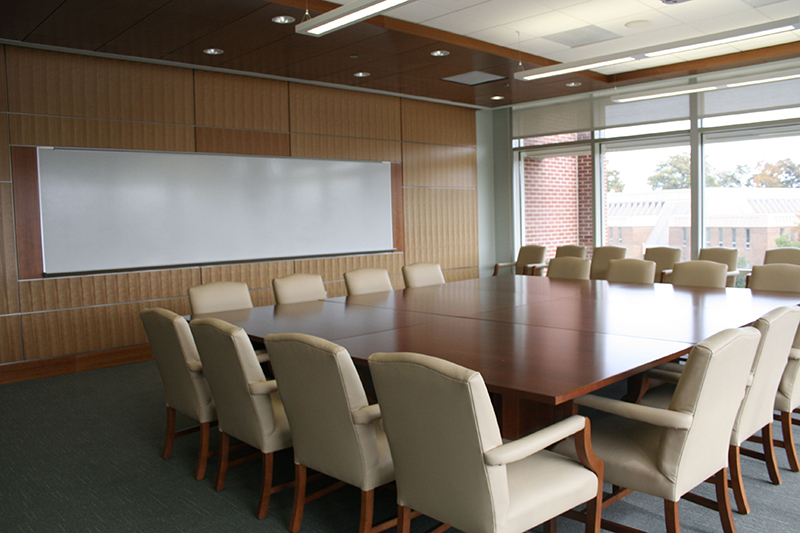
Capacity: 25 people (18-20 around the tables with 5 chairs around the room)
Equipment: Whiteboard, Tables are stationary, Virtual meeting capabilities, Projector and screen
Special Note: Please note that the window blinds in this conference room are motorized. Please do not manually pull the blinds down, use the push panel located on the wall. Also, please do not push tables/chairs up against the windows as this may damage the blinds.
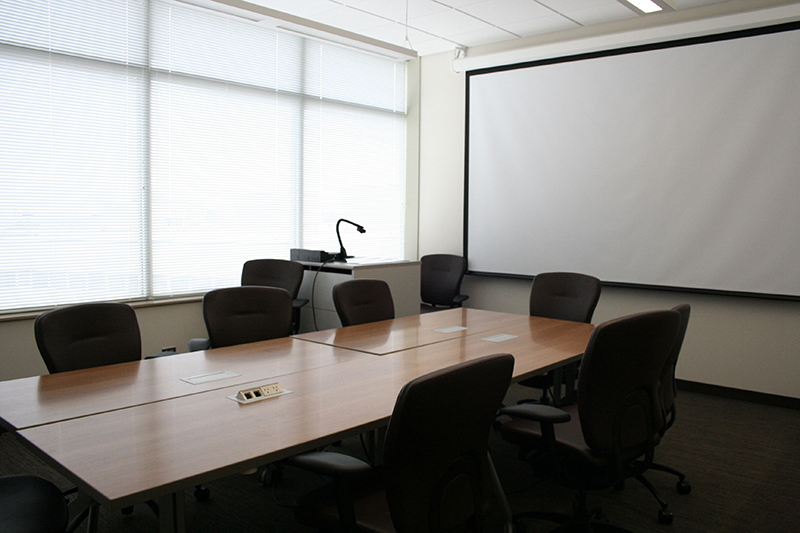
Capacity: 10 people
Equipment: TV monitor, Whiteboard, Tables on wheels, Virtual meeting capabilities
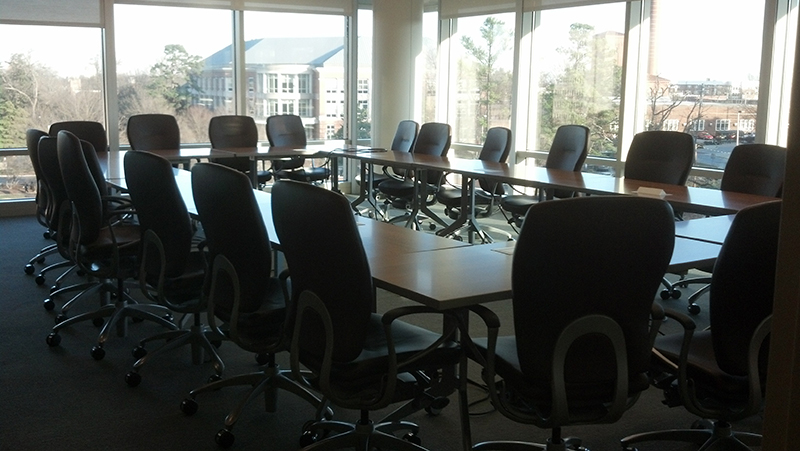
Capacity: 30 people
Equipment: Whiteboard, Tables on wheels, Virtual meeting capabilities, Projector and screen
Special Note: Please note that the window blinds in this conference room are motorized. Please do not manually pull the blinds down, use the push panel located on the wall. Also, please do not push tables/chairs up against the windows as this may damage the blinds.
Capacity: 10 people
Equipment: TV monitor, Whiteboard, Tables on wheels, Virtual meeting capabilities
SOE Video Conferencing Equipment
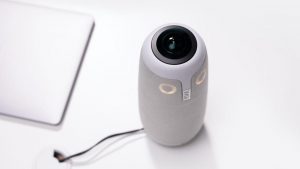
The Meeting Ow Pro video conference device is an all-in-one, 360° camera, mics, and speaker that works with all platforms such as Zoom, Microsoft Teams, and Google Meeting. The device works with Mac and PC and can be connected to a projector to view the remote site on a screen.
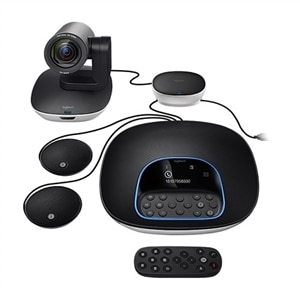
The Logitech Conference Group can be used with Mac or PC, to run virtual conference applications. It can be connected to a projector to view the remote site on a screen.
This system includes a camera with a 90-degree field of view, a speakerphone, and two additional expansions mics, for better coverage with a larger group.
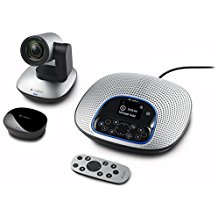
The Logitech CC3000e ConferenceCam can be used with Mac or PC, to run virtual conference applications. It can be connected to a projector to view the remote site on a screen.
This system includes a camera with a 90-degree field of view, and a speakerphone.
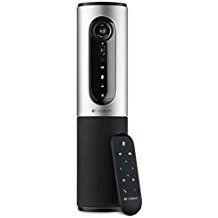
The Logitech Connect ConferenceCam can be used with Mac or PC, to run virtual conference applications. It can be connected to a projector to view the remote site on a screen.
This system includes a combo camera and a speakerphone, all in one device.